
Download WinShuffle – puzzle, photo puzzle, brain teaser, fun game, family entertainment
Overview
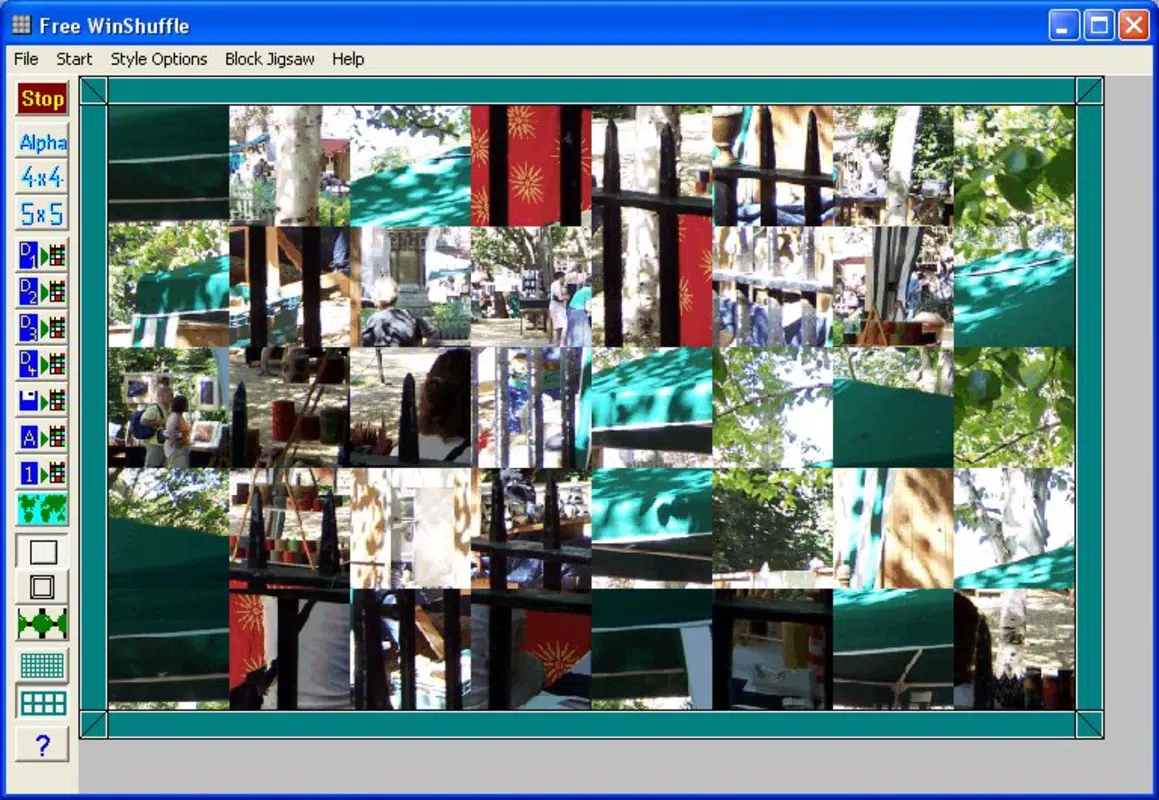
WinShuffle is a puzzle application designed to transform personal photographs into interactive challenges, offering a unique blend of visual engagement and mental stimulation. By allowing users to create custom puzzles from their own images in BMP format, the app provides a personalized experience that adapts to different skill levels through adjustable piece counts. This functionality makes it suitable for casual players, families, and individuals seeking a relaxing yet mentally active pastime. The app’s core purpose lies in reimagining traditional jigsaw puzzles by introducing a dynamic, interactive format that emphasizes both creativity and cognitive engagement. It serves as a tool for entertainment and mental exercise, particularly beneficial for users looking to unwind while maintaining focus and problem-solving skills.
Target users include individuals of all ages who enjoy brain teasers, puzzle enthusiasts, and families seeking shared digital activities. The inclusion of built-in images ensures accessibility for users who may not have immediate access to personal photos, while the ability to use letters or numbers adds variety for those interested in alternative puzzle types. WinShuffle’s design supports both short bursts of gameplay and longer sessions, making it adaptable to diverse lifestyles. As a free application released in 2006, it holds historical significance within the puzzle genre, offering a simple yet effective solution for digital puzzle entertainment. Its continued relevance underscores its utility in the broader app ecosystem, where low-barrier, engaging tools remain in demand.
Key Features & Functionality
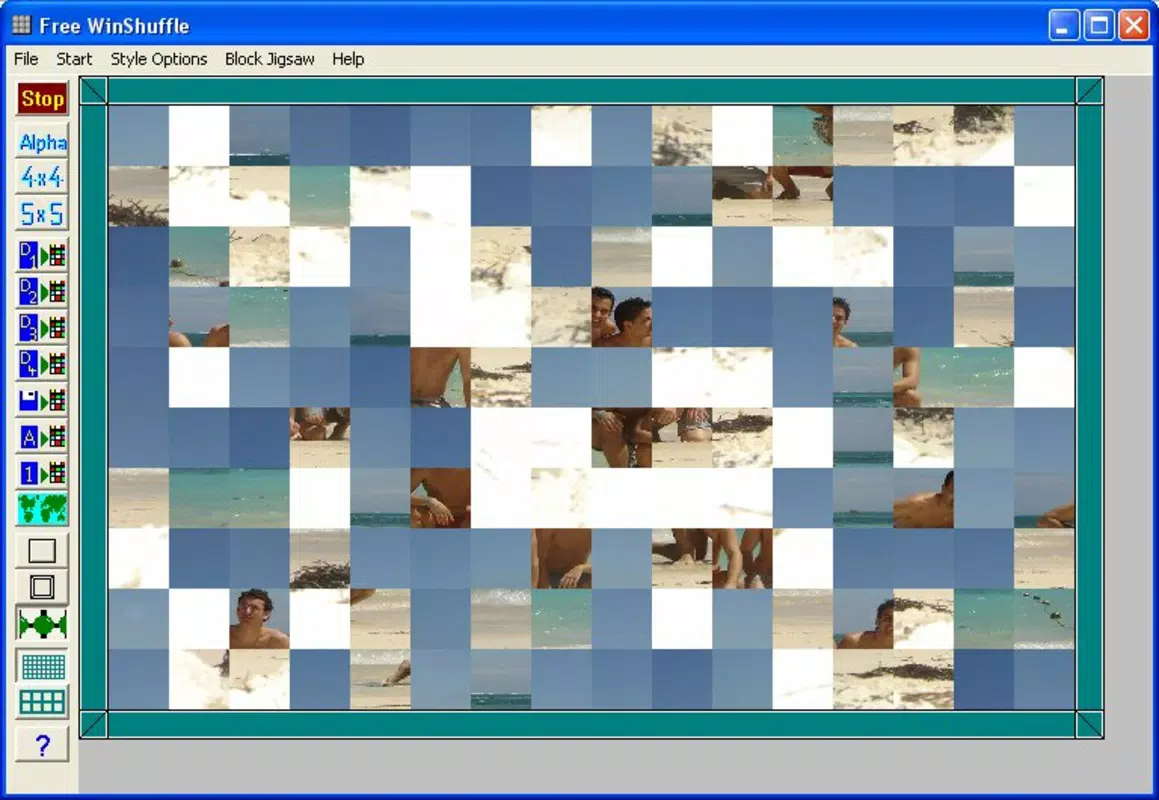
- Customizable Puzzles: Users can generate puzzles from their own BMP-formatted photos, enabling a fully personalized experience. The adjustable number of pieces allows for difficulty scaling, catering to beginners and advanced players alike.
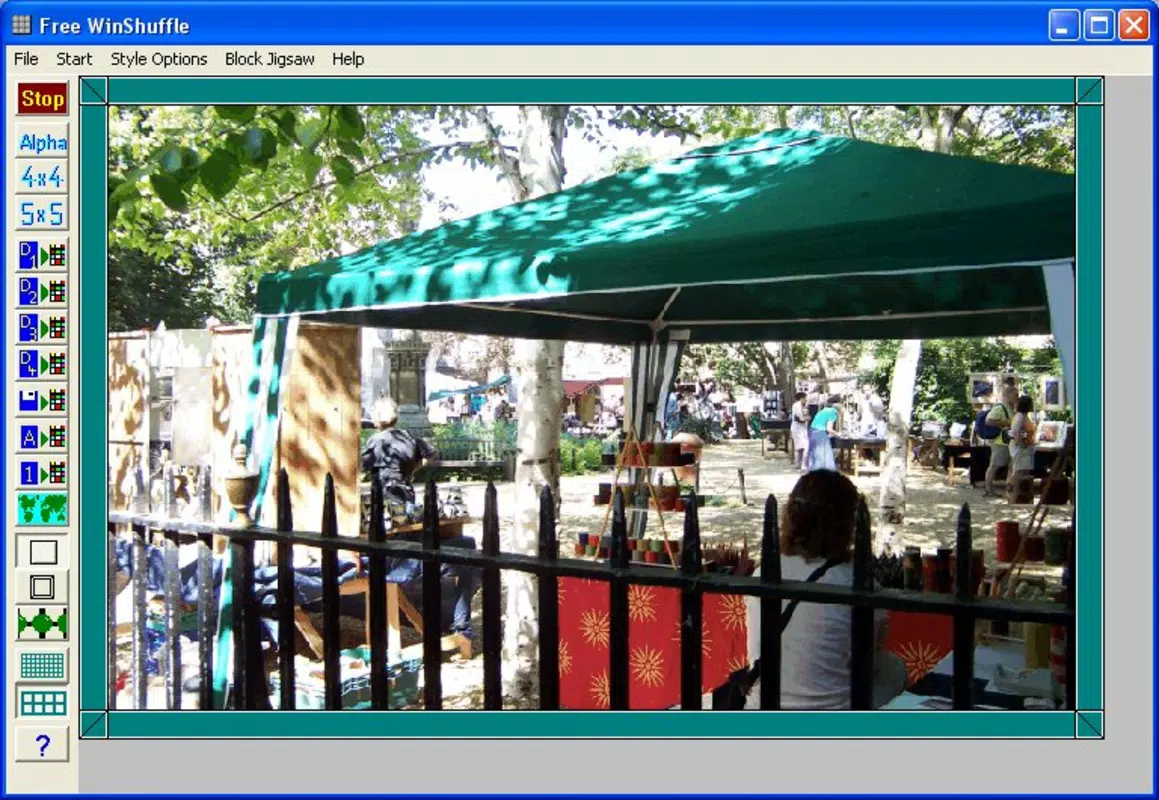
- Visual Aid Feature: A right-click function displays the complete image, helping users reorient themselves during gameplay. This tool supports progress without removing the challenge, maintaining a balance between assistance and engagement.
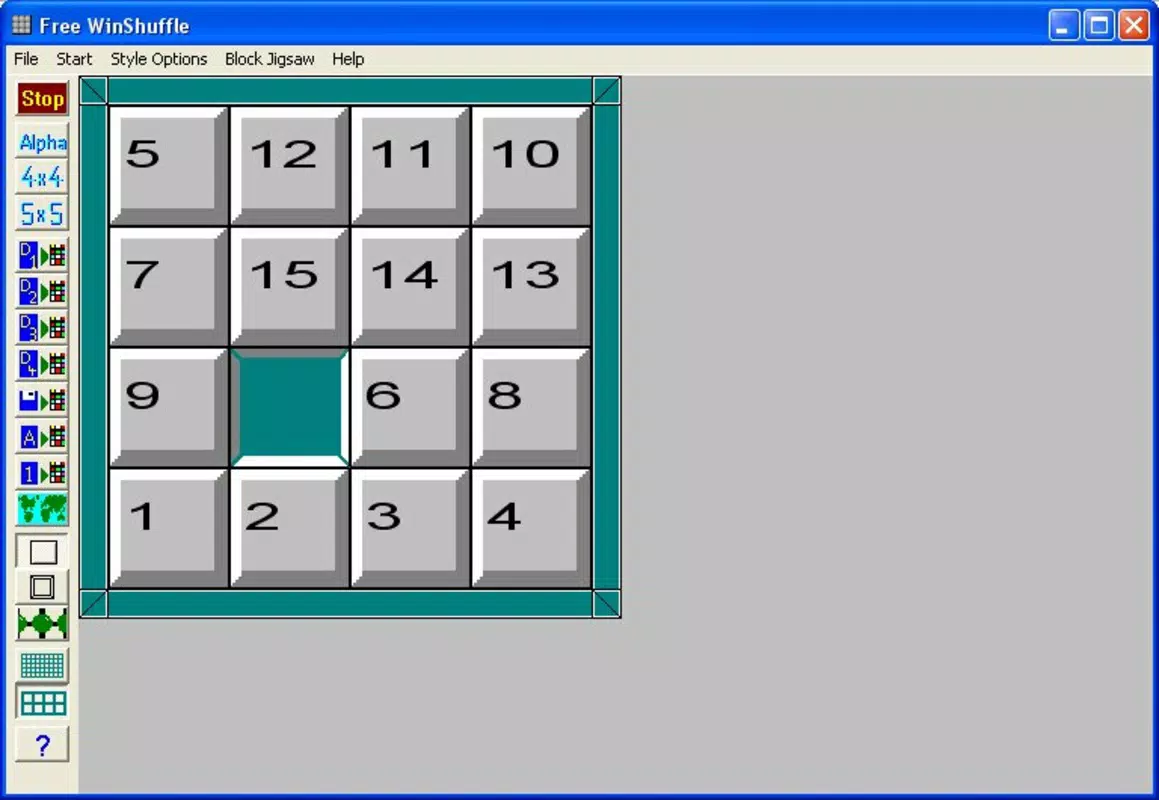
- Multiple Puzzle Types: Beyond photo puzzles, WinShuffle supports puzzles using letters and numbers, introducing variety and appealing to users who enjoy word or numerical challenges.
- Flexible Gameplay: The ability to pause and resume games at any time ensures uninterrupted play, accommodating busy schedules and spontaneous breaks.
- Built-In Image Library: For immediate play, the app includes a selection of preloaded images, eliminating the need to prepare personal photos before starting.
These features collectively enhance usability and replayability. For example, a parent might use a family photo to create a puzzle for children, adjusting the piece count to match age and ability. A student could use a number-based puzzle to practice pattern recognition. The visual aid proves especially useful when tackling complex images, offering a quick reference without full reveal. The inclusion of non-photographic puzzle types expands the app’s utility beyond visual memory, supporting diverse cognitive skills.
Interface, UX & Performance
WinShuffle features a straightforward interface centered around image manipulation and puzzle assembly. The layout is minimalistic, with puzzle pieces displayed clearly on a central workspace, and controls accessible via simple mouse interactions. Navigation is intuitive, relying on right-click for the visual aid and standard drag-and-drop mechanics for piece placement. The visual style is functional rather than ornate, prioritizing clarity and ease of use over aesthetic flair.
Although the developer did not list formal performance metrics, the app’s lightweight size of 1.4 MB suggests efficient resource usage. It is likely to run smoothly on older or low-spec Windows systems, making it accessible to a broad user base. Responsiveness appears consistent, with minimal lag during piece movement and repositioning. Stability is implied by the app’s long-standing presence since 2006, though no recent update history was provided. Users can expect reliable performance during gameplay sessions, with no reported crashes or freezes in available documentation.
Platform Compatibility & Technical Requirements
WinShuffle is designed for the Windows platform and requires a compatible Windows operating system. The current version is 1.0.0, with a file size of 1.4 MB. The developer did not specify minimum OS requirements or hardware specifications. As such, compatibility with modern Windows versions (such as Windows 10 or 11) cannot be confirmed with certainty. However, the app’s small footprint and release date suggest it may run on older systems with limited resources.
Users should exercise caution when installing older software, particularly on updated systems, due to potential security or compatibility issues. The developer did not provide information on digital distribution channels or official download sources. It is recommended to verify the authenticity of any installation file before use. No additional permissions or background processes were mentioned in the available documentation.
Pros and Cons
Pros
- Free to download and use, making it accessible to a wide audience.
- Supports personal photo integration for unique puzzle experiences.
- Offers customizable difficulty through adjustable piece counts.
- Includes built-in images for immediate gameplay.
- Provides visual aid for progress tracking without full reveal.
- Supports multiple puzzle types, including letters and numbers.
Cons
- Only available for Windows, limiting cross-platform access.
- File format restricted to BMP, which may require conversion for some users.
- Developer did not disclose OS compatibility or system requirements.
- App has not been updated since 2006, raising concerns about modern security and support.
- Interface lacks modern design elements, potentially feeling outdated.
FAQ
Is WinShuffle safe to download and install?
WinShuffle is a free application with a long history of availability. However, since it has not been updated since 2006, users should ensure they download from trusted sources to avoid potential security risks associated with outdated software.
Can I use my own photos in WinShuffle?
Yes, the app allows users to create puzzles from their own photographs, provided they are in BMP format. This feature enables personalized gameplay and enhances user engagement.
What types of puzzles can I play?
WinShuffle supports photo puzzles, as well as puzzles using letters and numbers. This variety keeps gameplay fresh and appeals to different interests.
Is WinShuffle compatible with Windows 10 or 11?
The developer did not specify compatibility with modern Windows versions. While the app may run on newer systems, performance and stability are not guaranteed due to its age and lack of updates.
Can I pause and resume a game?
Yes, WinShuffle allows users to pause and resume puzzles at any time, making it convenient for short or interrupted gameplay sessions.
Final Thoughts
WinShuffle stands as a nostalgic yet functional puzzle tool that successfully blends personalization with mental challenge. Its ability to transform photos into interactive puzzles, combined with customizable difficulty and multiple puzzle types, makes it a versatile option for casual entertainment and cognitive stimulation. While its age and lack of updates present potential compatibility and security concerns, its lightweight design and free access continue to offer value. Families, puzzle lovers, and users seeking low-effort, high-reward activities will find the app particularly appealing. For those looking for a simple, no-frills way to enjoy brain teasers on Windows, WinShuffle delivers a reliable and engaging experience.
Download WinShuffle now


